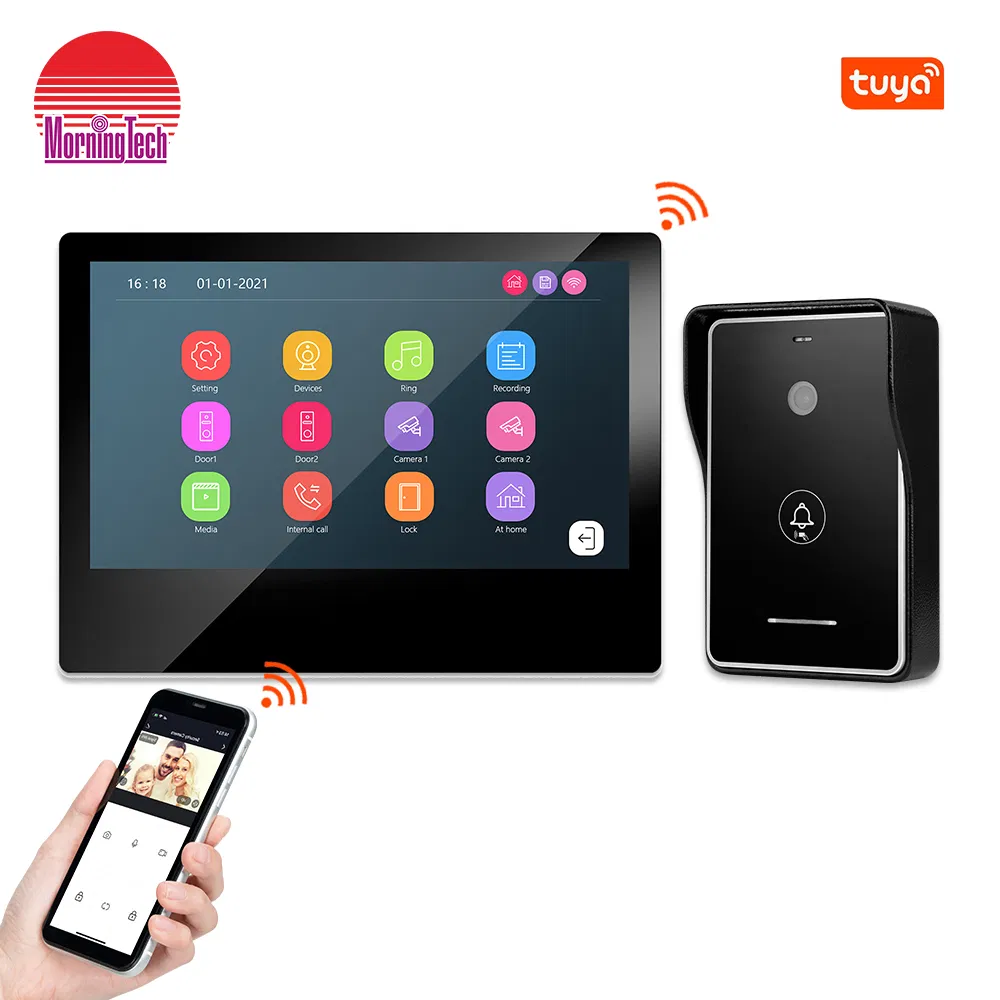
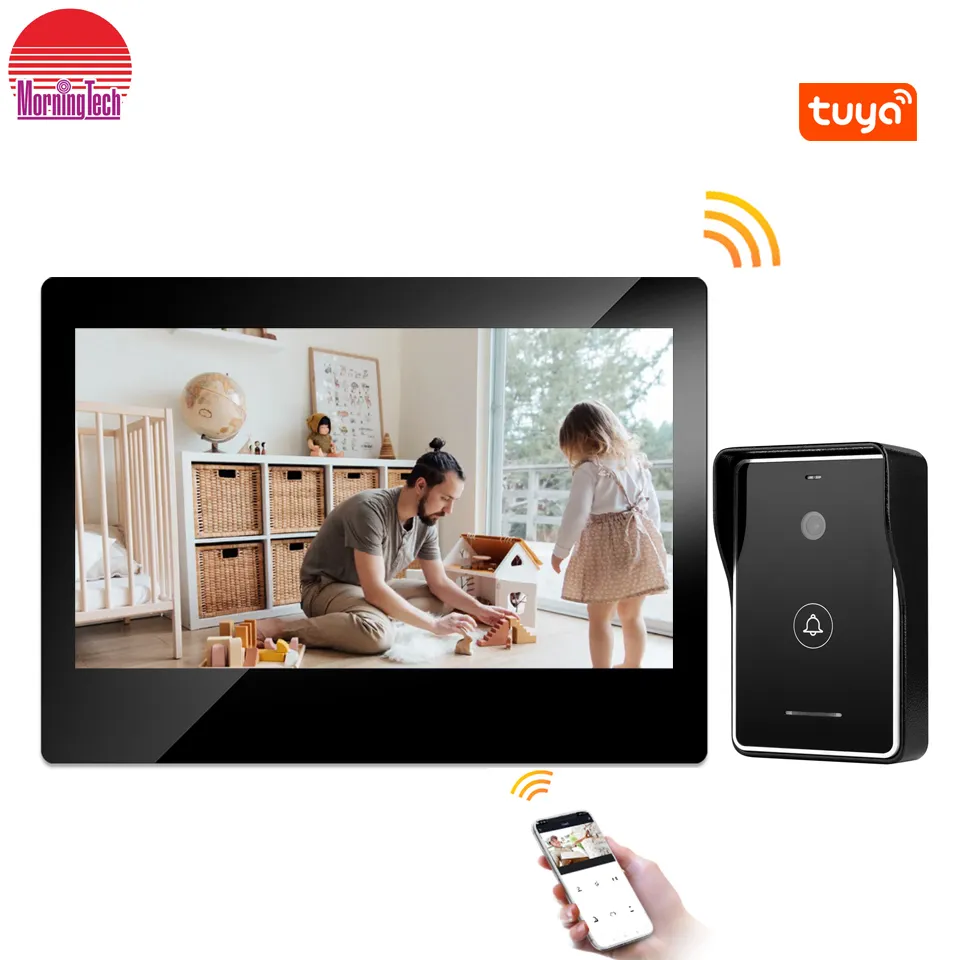
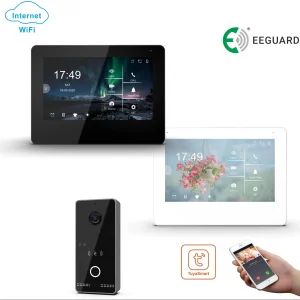
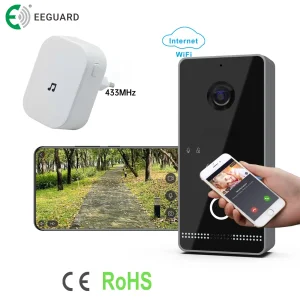
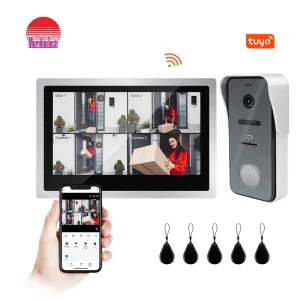
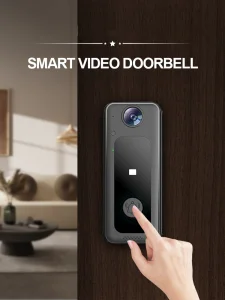
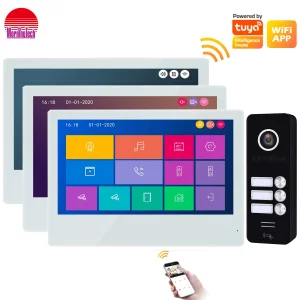
IP/WiFi 4 Wire HD Touch Screen Video Intercom Smart Home Tuya Wire/Wireless Video Door Phone Doorbell

Still deciding? Get samples of $ !
Request Sample

Product Description

i

Basic Info

Model NO.
95111+94224-2
Color
Black
Voice Service
With Voice Service
Installation
Surface-Mounted
Certification
FCC, CE, Red
Connection
Wire, Cat 5, RJ45, WiFi/IP
Case
Metal Case with Vandal Proof
Power
DC15V, 0.8A / AC100-240V 50/60Hz
Screen
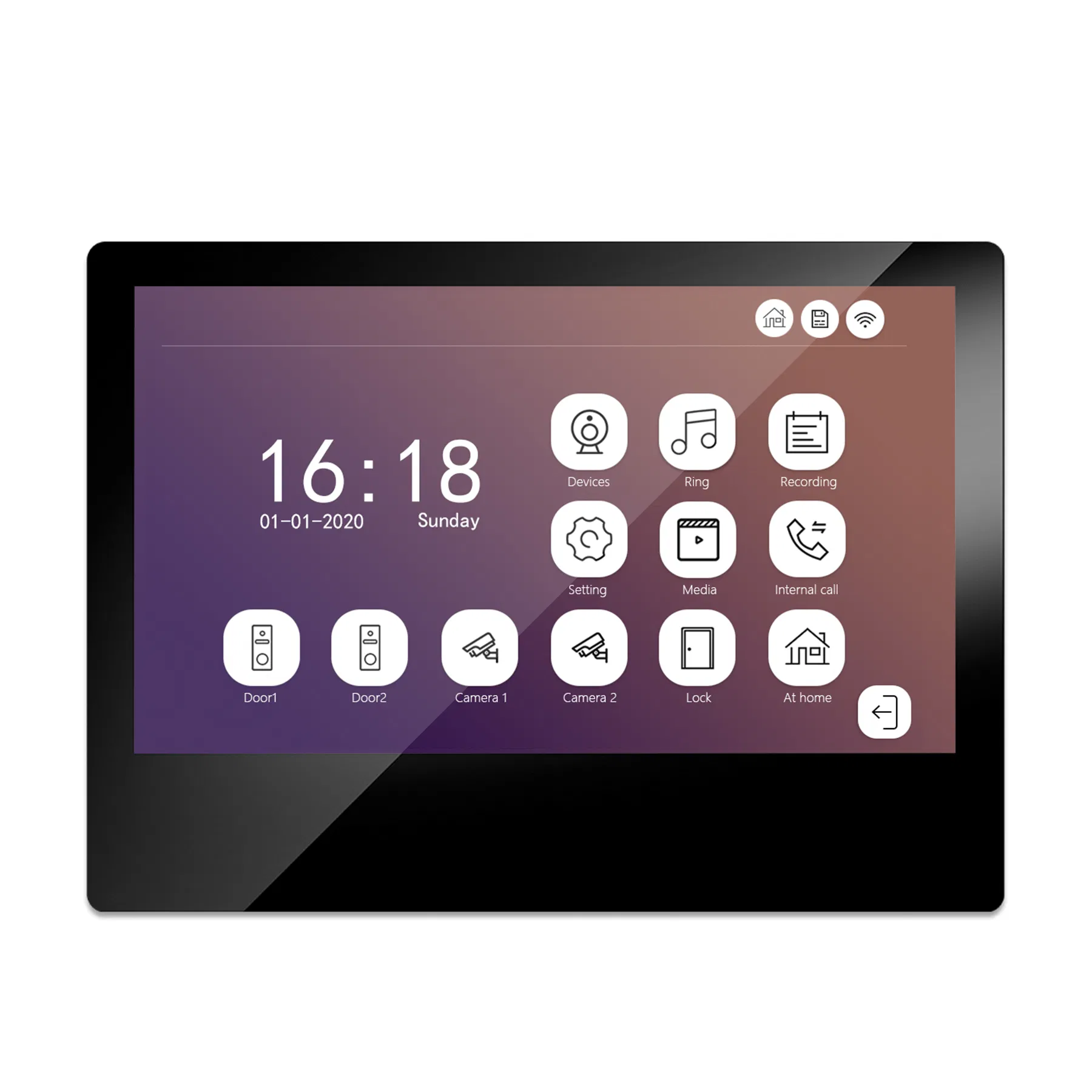
10 Inch AHD Screen
Camera
2.0MP, 150 Degree

Product Description

IP/WiFi 4 Wire HD Touch Screen Video Intercom Smart Home Video Door Phone
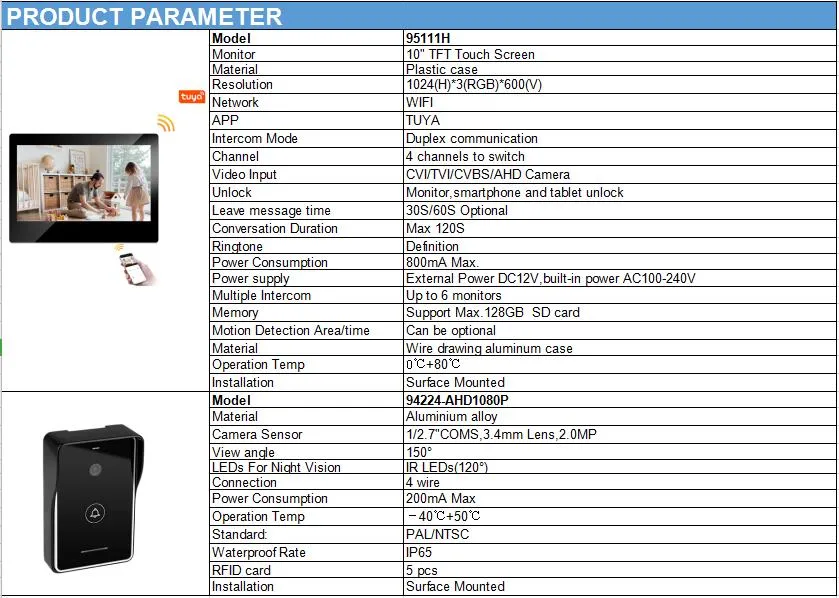
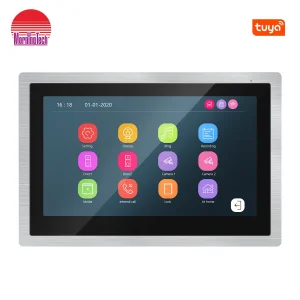
Video Intercom Monitor
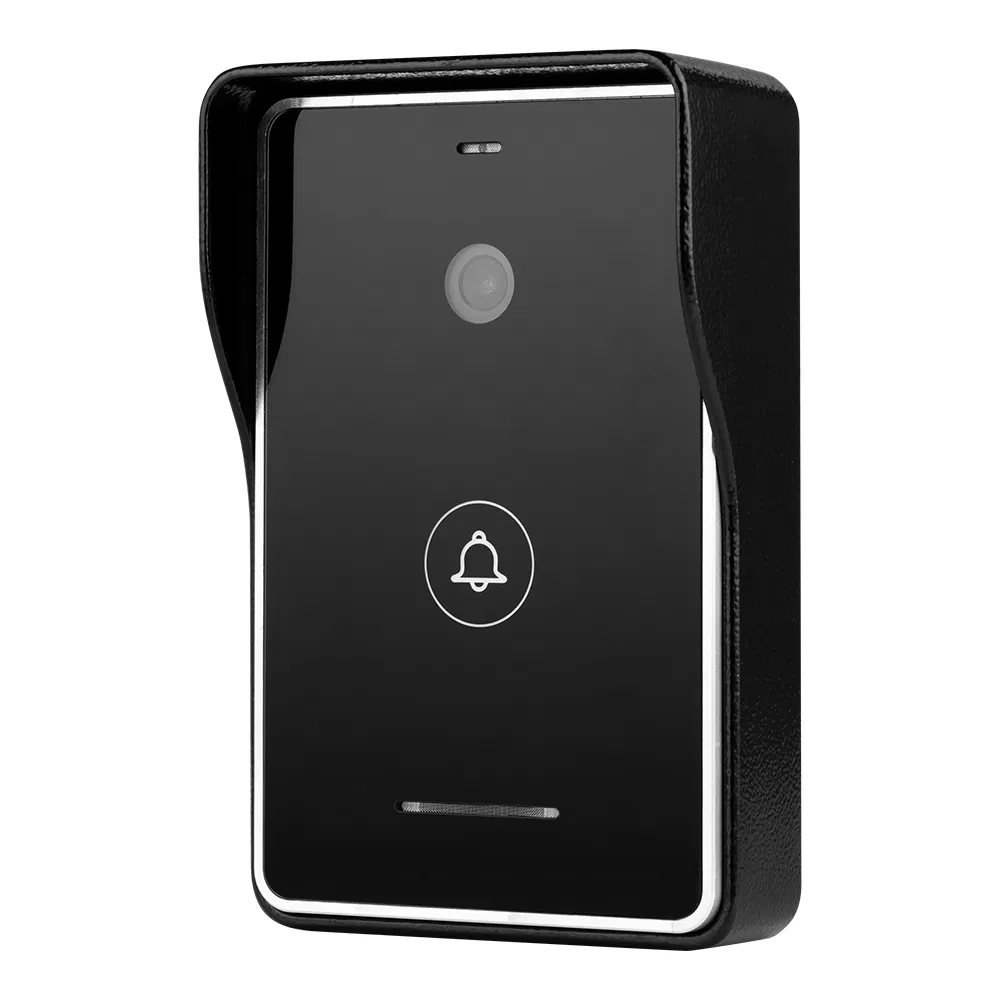
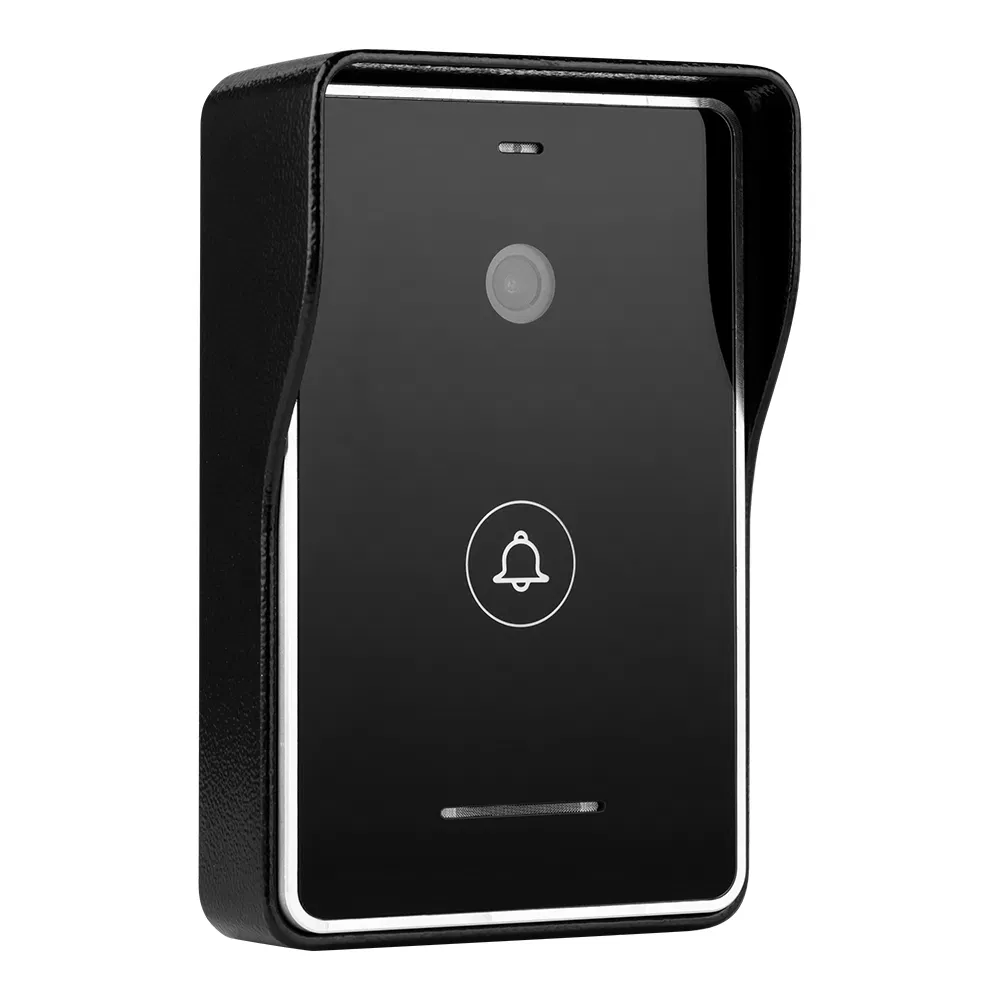
Video Door Phone
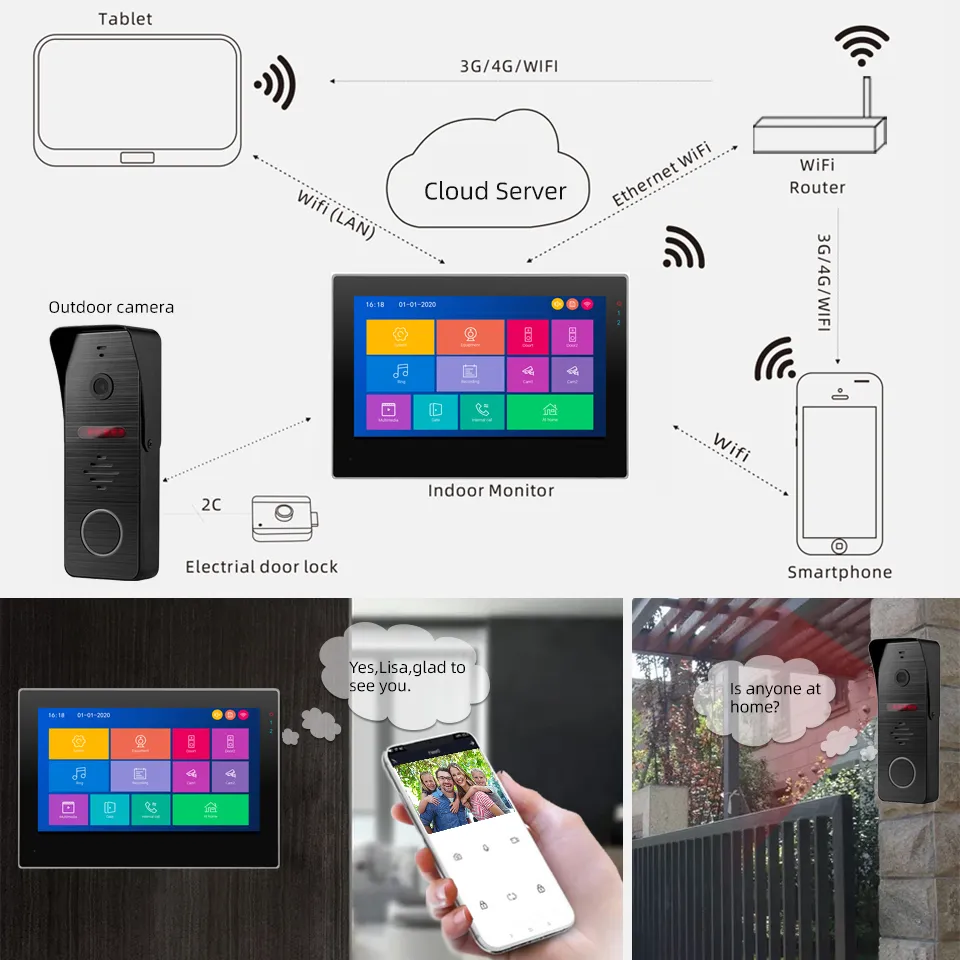
SYSTEM DIAGRAM:
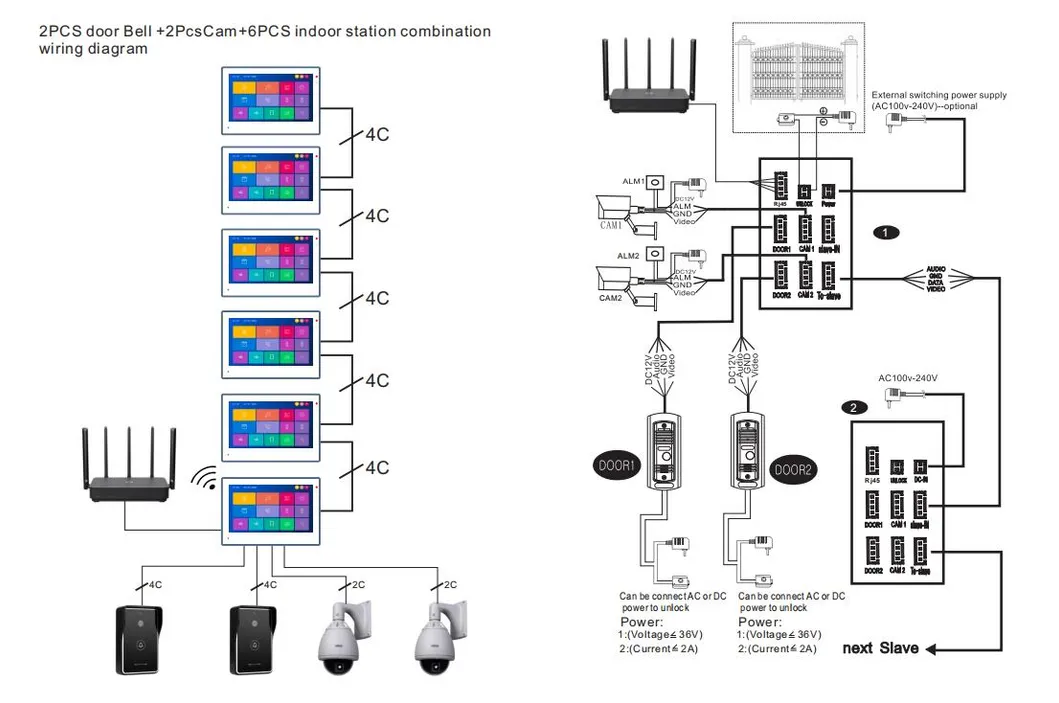
Connection Diagram

Main Features

  • 10" Touch Screen HD display 1024x600
  • Signal support 800TVL / 720P / 1080P
  • Formats support CVBS / AHD / TVI / CVI
  • 10 polyphonic ring-tones
  • With TUYA APP control
  • Easy DIY WiFi connection
  • Support Ethernet Connection
  • 4-Wire Easy Installation

📟 Indoor Monitor Functions:

  • Hands free intercom, Lock control
  • Don't disturb function
  • Support micro SD card
  • Auto message leave
  • Video & audio recording
  • Motion detection DVR function
  • Multimedia: Photo Frame, Music Playing
  • Support 2 Doorbells + 2 CCTVs + 6 Monitors
  • Real-time monitoring

🔔 Outdoor Doorbell Features:

Outdoor Station
  • Surface/Corner mounting zinc alloy housing
  • Waterproof IP65 Rating
  • Working temperature: -40ºC to +50ºC
  • 150 degree wide viewing angle
  • Night vision support
  • Anti-sabotage design

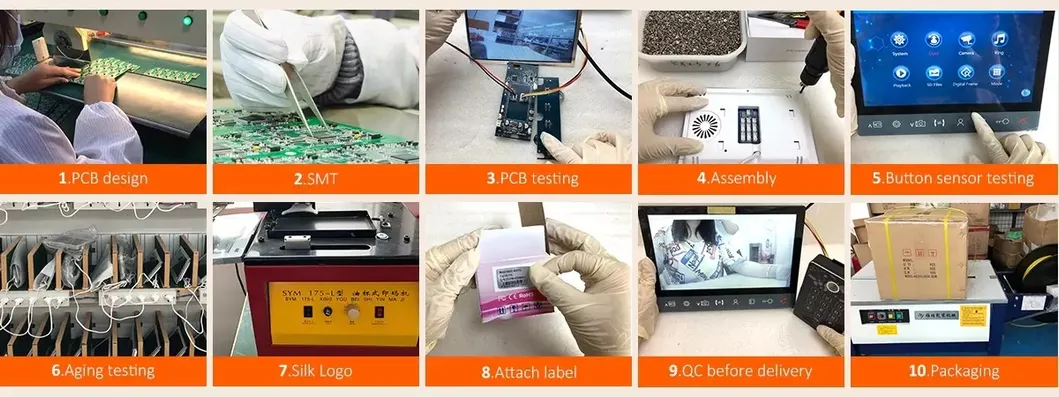
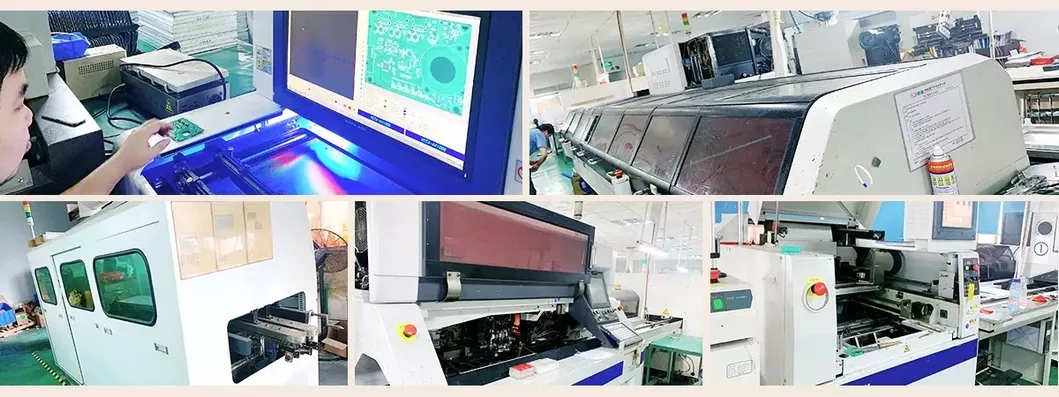
Production & Quality Assurance

Production Step 1
Production Step 2
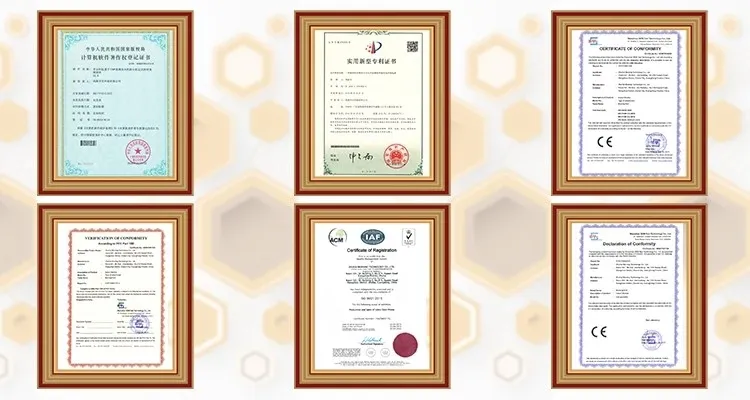
Certificates

All products passed CE, RoHS, FCC certificates with 2 years warranty.

?

Frequently Asked Questions

1. Is it possible to support CVBS Video door phones?
Yes! It can work with a mix of 1 AHD Call panel + 1 CVBS call panel + 1 AHD camera + 1 CVBS panel.
2. Does the system support motion detection?
Yes! It is handled by software, so there is no need to connect a separate PIR sensor. It detects motion from the call panel or cameras.
3. How do I play music or movies on the indoor monitor?
Simply download the files on your computer, copy them to an SD card, insert the card into the monitor, and select the play option.
4. What is the Voice Message function?
If you are not home, the call panel can prompt visitors to leave a message after 30-120 seconds, allowing you to check the video later.
5. How does the call transfer function work?
The system supports up to 6 monitors. If one person answers but the visitor wants to speak to someone in another room, the call can be transferred to that specific monitor.
6. What is the warranty period for this system?
We provide a comprehensive 24-month (2 years) warranty on our products.

Related Products