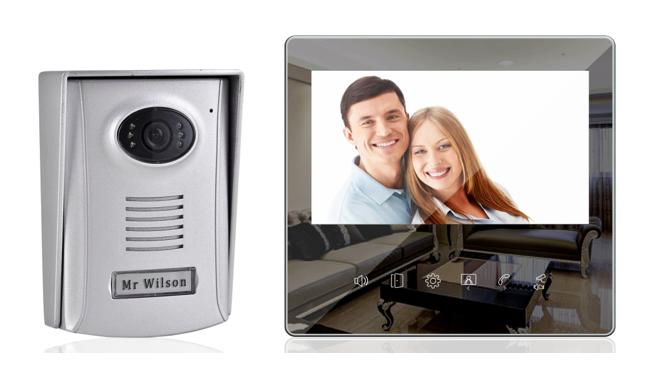
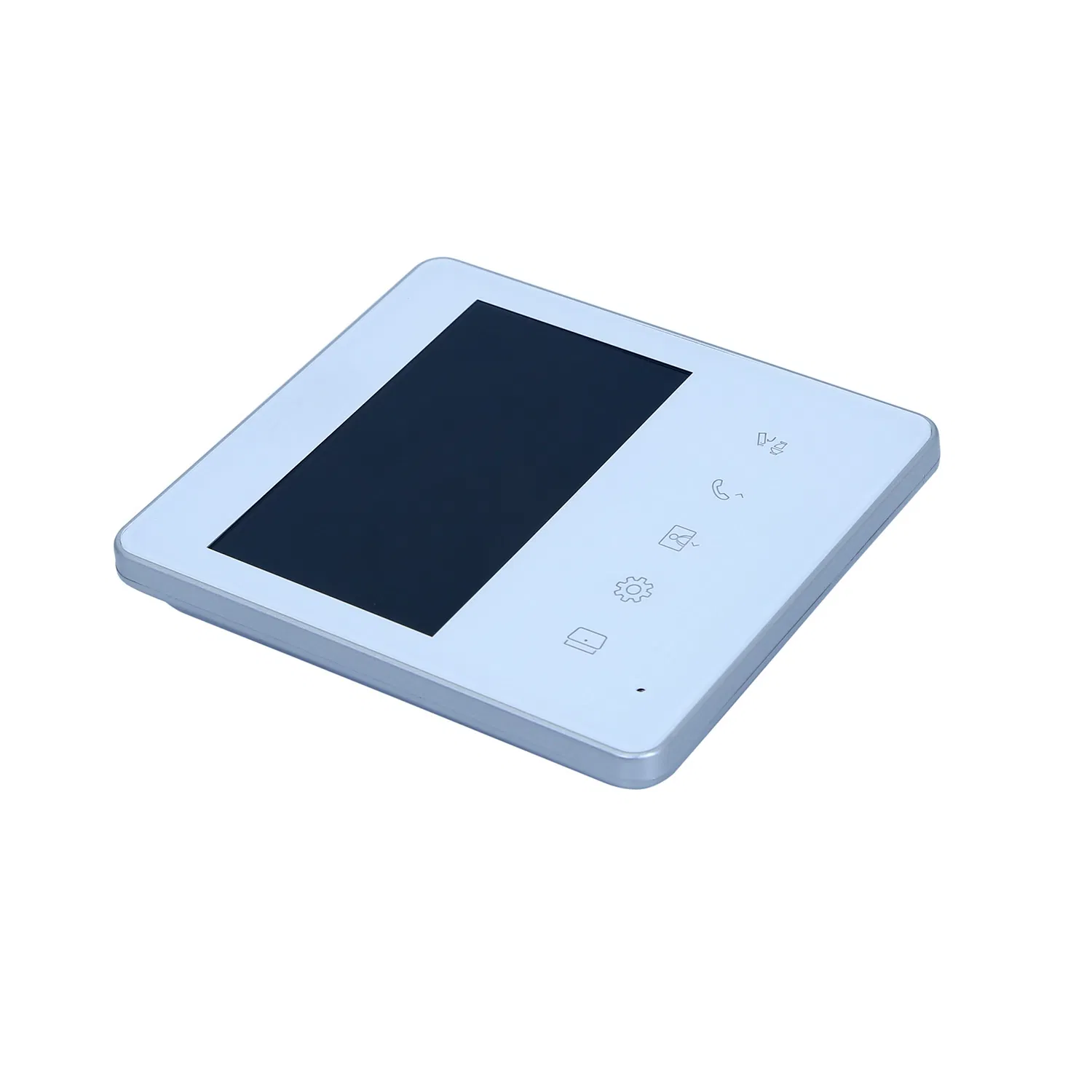
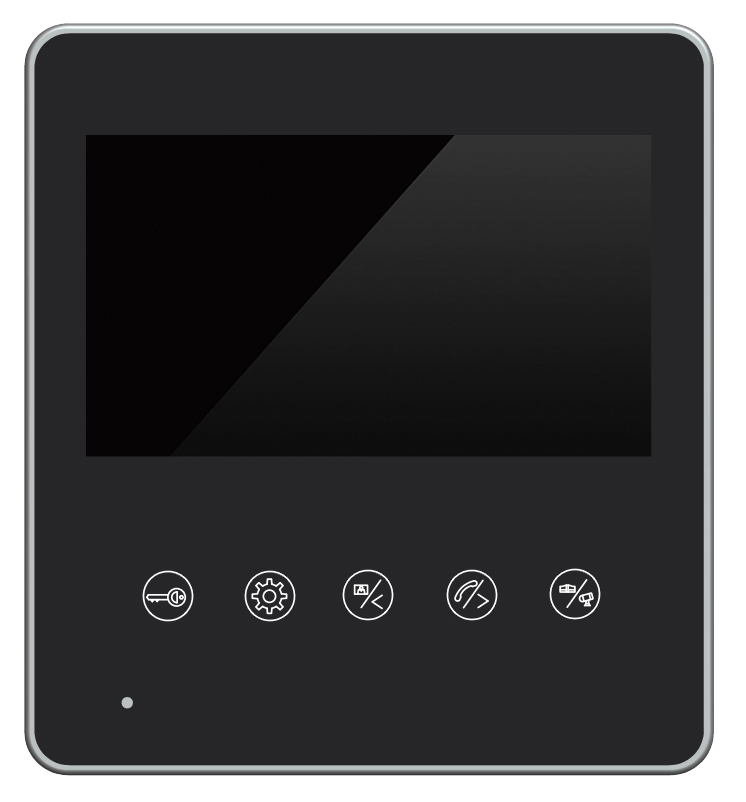
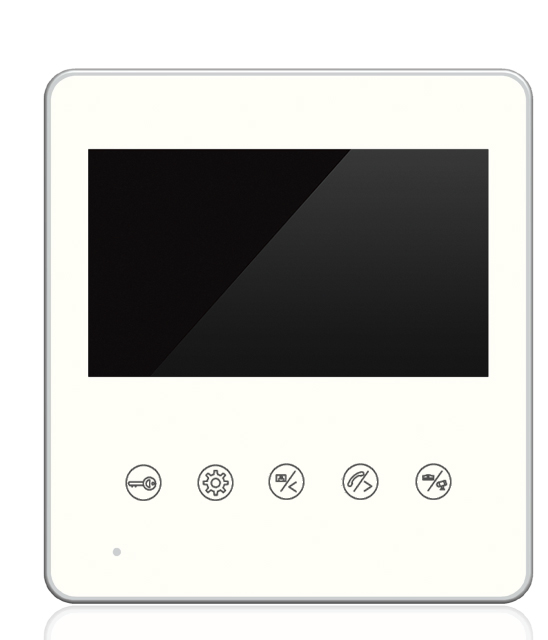
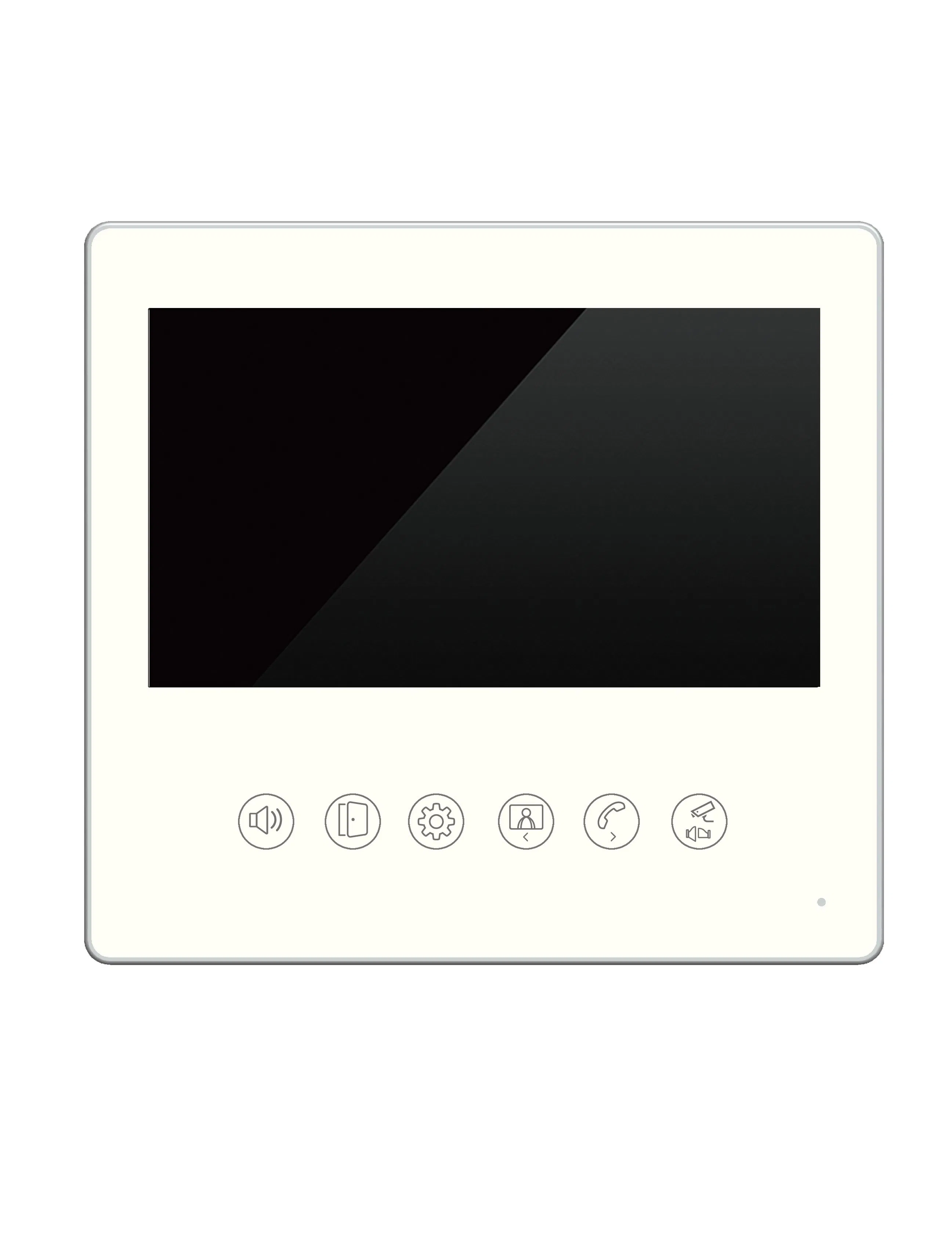
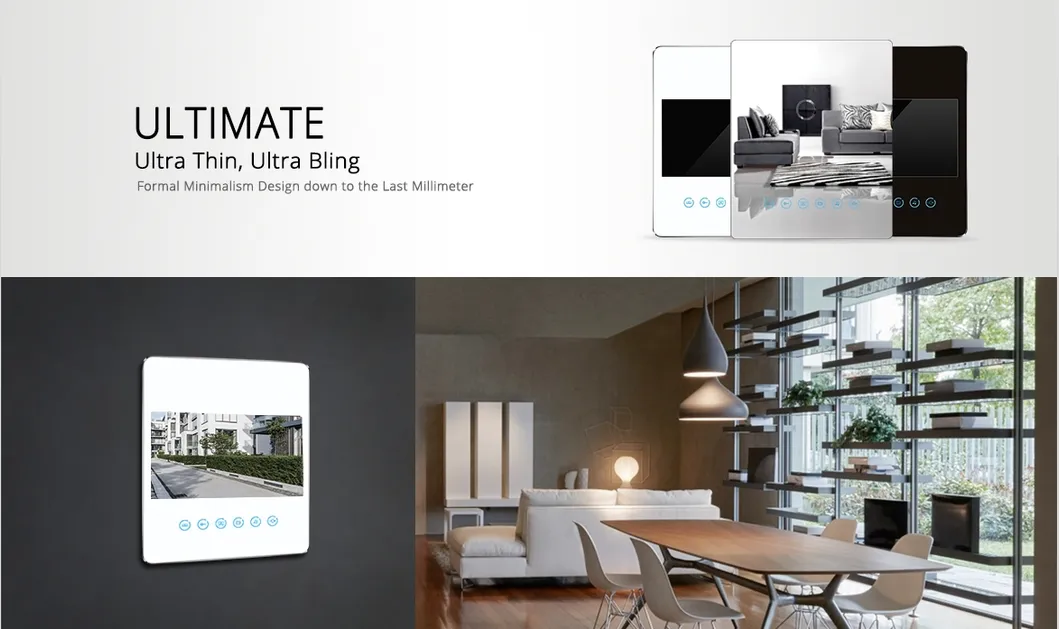
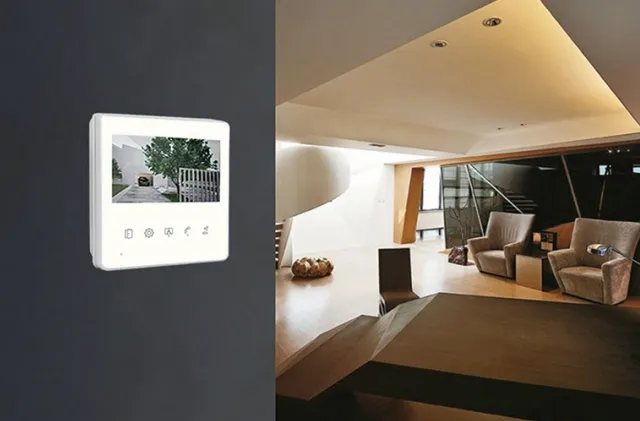
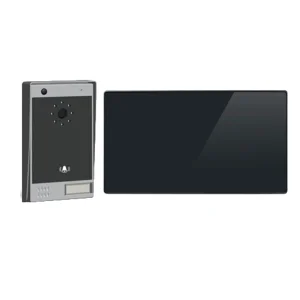
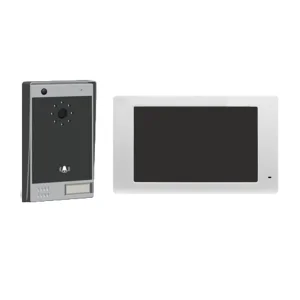
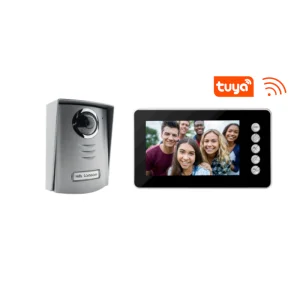
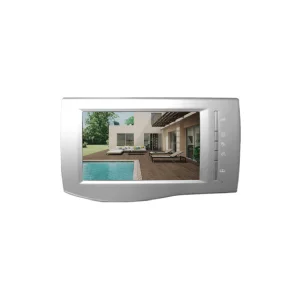
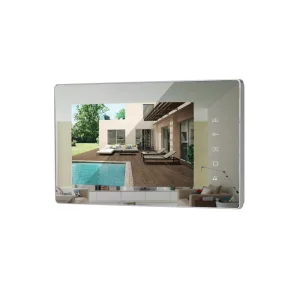
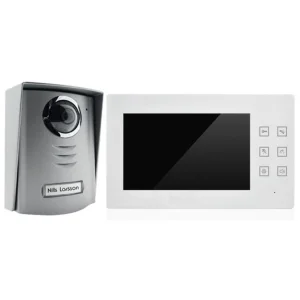
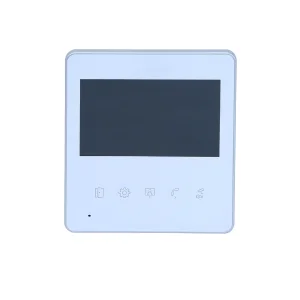
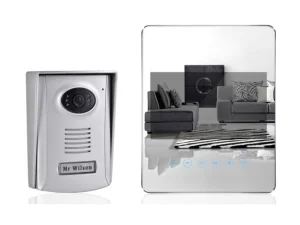
Acrylic Mirror Ultimate 7inch Touch Button OSD Menu Video Doorphone
Functions and Instructions
1) Calling
1.1 Under the standby mode, when "Call" Button of the outdoor unit is pushed, the indoor unit will be ringing for 12s; the screen will light up; and visitors' images can be seen on the screen.
1.2 Under the calling mode, when there is no answer, the call will be automatically hung up after 60s.
1.3 Under the calling mode, when "Answer" Button of the indoor unit is pushed, the ring will stop and the intercom mode will start in which a two-way intercom of 100s can be made between the indoor and outdoor units.
To stop the intercom in advance, push the "Hang up" Button of the indoor unit; the intercom and the screen will be off and turn into the standby mode simultaneously.
2) Monitoring
Under the standby mode, push "Monitor" Button of the indoor unit, the screen will light up, through which the images of the outdoor unit can be seen for 60s. At this time, only one-way conversation is available (from the outdoor unit to the indoor unit).
To start a two-way intercom, push "Answer" Button (a two-way intercom last for 100s). To stop the monitoring mode, push "Hang up" Button.
3) Unlocking
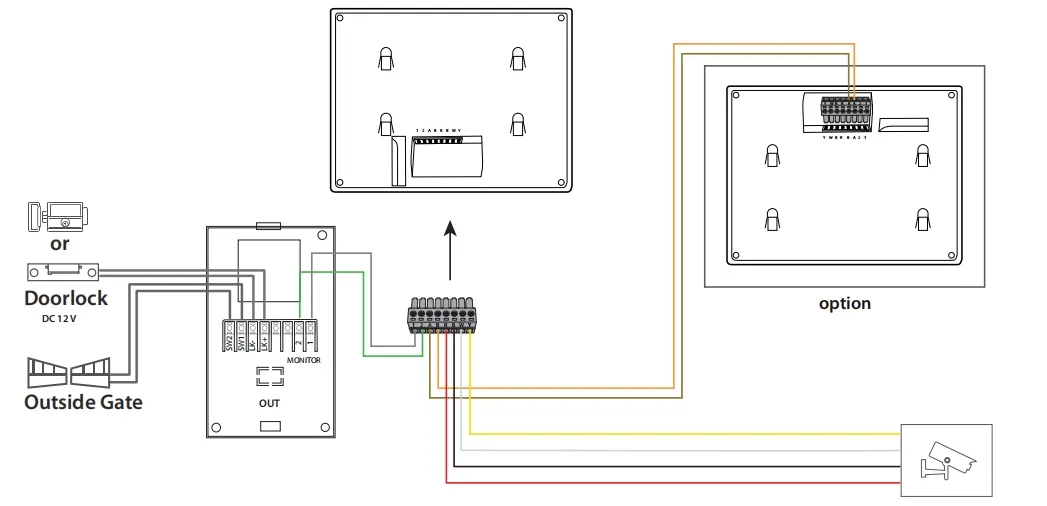
3.1 Under the intercom mode, push "Unlock the door" Button of the indoor unit to open the door (electric lock), with the unlocking current being 1A or below and the unlocking time being 1s or below.
3.2 Under the intercom mode, push "Unlock the Gate" Button of the indoor unit to open the gate, with the unlocking time being 3s.
4) Intercom between Indoor Units
4.1 Under the standby mode, when "Intercom" Button of Indoor Unit A is pushed, Indoor Unit B will be ringing for 12s; the screens of both indoor units will light up and turn blue.
4.2 If there is no answer from Indoor Unit B, the call will be automatically hung up after 60s.
4.3 The intercom starts when "Answer" Button of Indoor Unit B is pushed. To stop the intercom, push "Hang up" Button of either unit.
5) Settings
Under the standby mode, push "Settings" Button to set the brightness, contrast, colour, intercom volume, income volume and ring tones. Use "Navigation" Buttons to adjust values.
Frequently Asked Questions
What is the screen size and resolution of this device?
The device features a 7-inch screen with a resolution of 800*480.
How long does the two-way intercom last?
A two-way intercom session can last up to 100 seconds before automatically hanging up.
Can I open both a door and a gate with this system?
Yes, the indoor unit has dedicated buttons for unlocking both an electric door lock (1s unlocking) and a gate (3s unlocking).
Does this product support multi-unit intercom?
Yes, it supports intercom between indoor units when configured with one outdoor unit and two indoor units.
What parameters can be adjusted in the settings?
You can adjust brightness, contrast, color, intercom volume, income volume, and ring tones through the OSD menu.
What certifications does the product hold?
The product is certified with RoHS, CCC, and CE standards.
 SMTR SmartLiving