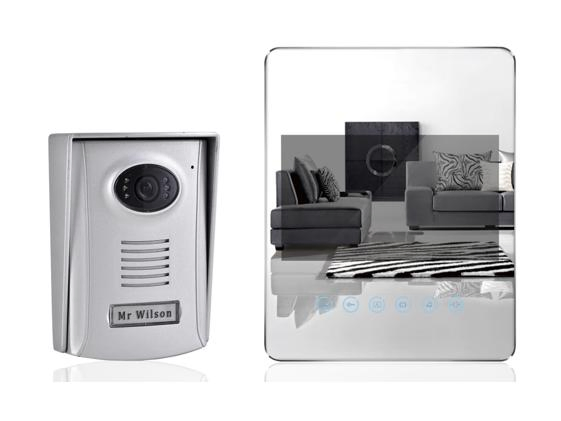
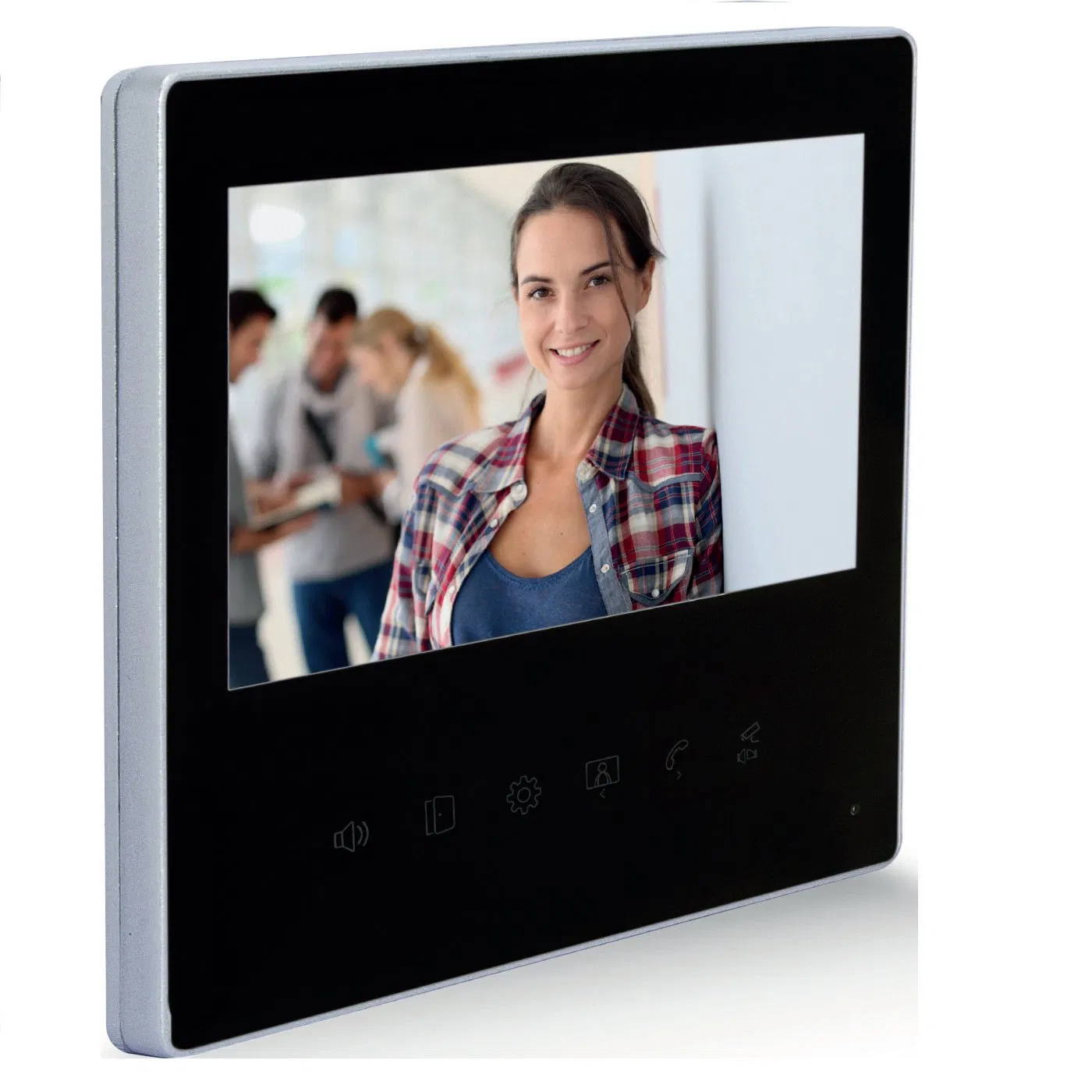
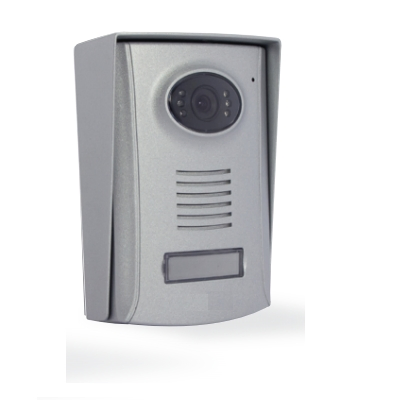
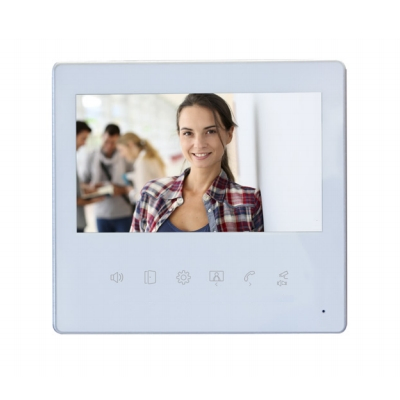
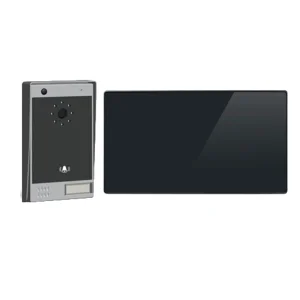
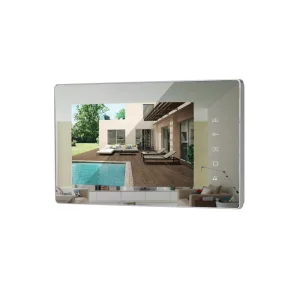
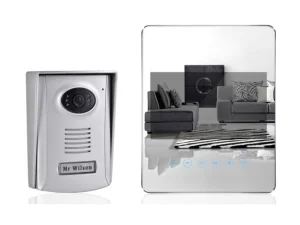
Mirror Surface Super Slim Touch Button Color Image 7" Ultimate Video Doorphone

Customization: Available
Night Vision: With Night Vision
Type: Wired

Product Description

Basic Specifications

Model NO.
U7152-1
Color
Mirror Surface
Voice Service
With Voice Service
Installation
Wall-Mounted
Certification
RoHS, CE
Cabling
2 Wires
Indoor Monitor Power
15V DC Adaptor
Outdoor Unit Power
From Monitor
Angle
C-MOS 90°
Resolution
800*480
HS Code
8517699000
Production Capacity
50,000 PCS Per Year

Product Description

Mirror Surface super slim touch button color image 7" Ultimate Video Doorphone
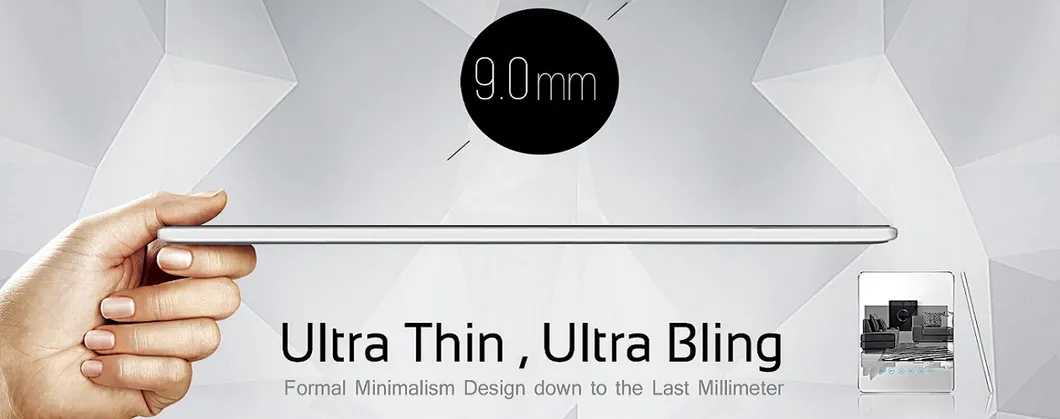
Video Doorphone Overview
🔔 1) Calling Function

1.1 Under standby mode, when the "Call" button of the outdoor unit is pushed, the indoor unit rings for 12s, the screen lights up, and visitors' images appear.

1.2 If there is no answer under calling mode, the call automatically hangs up after 60s.

1.3 Pushing the "Answer" button starts a 100s two-way intercom. To stop early, push "Hang up".
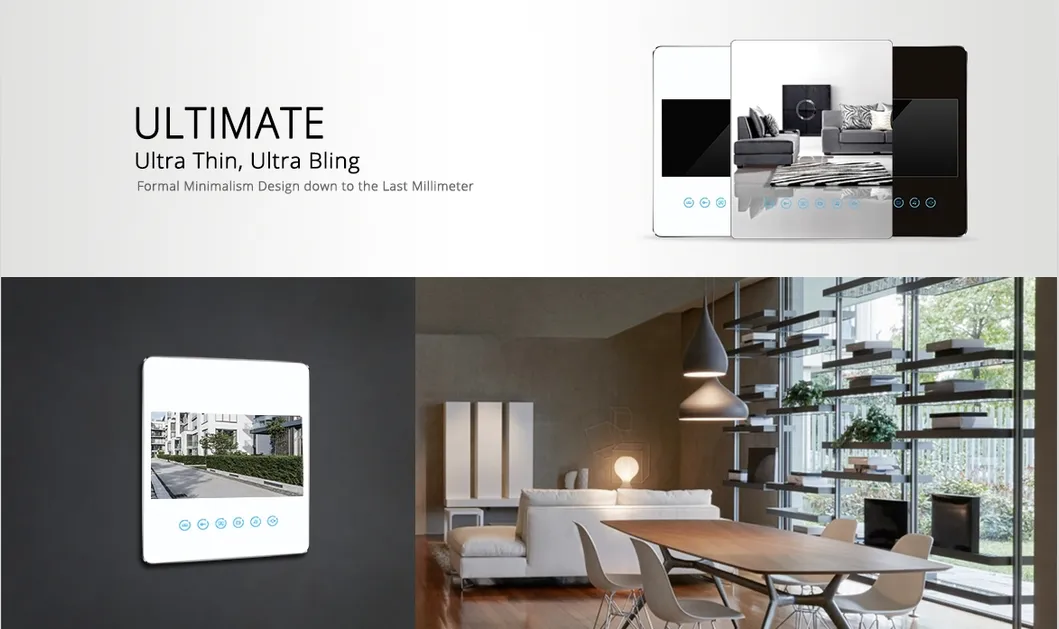
Calling Function Diagram
👁️ 2) Monitoring

Under standby mode, push "Monitor" to see outdoor images for 60s (one-way audio). Push "Answer" to start a two-way intercom (lasts 100s).
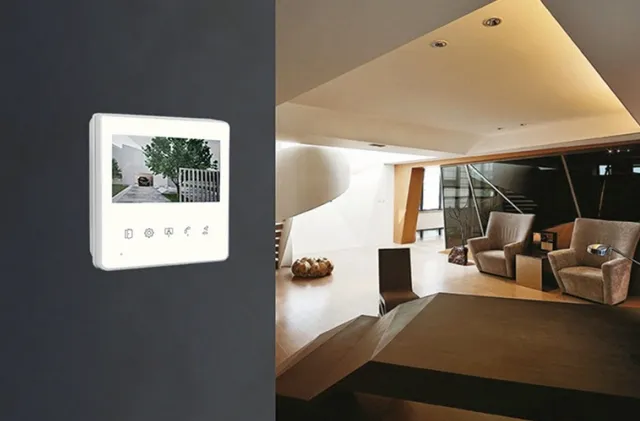
Monitoring Mode
🔓 3) Unlocking

3.1 Push "Unlock the door" during intercom to open electric locks (Current ≤ 1A, Time ≤ 1s).

3.2 Push "Unlock the Gate" to open the gate (Unlocking time: 3s).

🏠 4) Intercom Between Indoor Units

Applicable for setups with one outdoor and two indoor units. Indoor Unit A can call Indoor Unit B; both screens turn blue for a 100s intercom session.

⚙️ 5) Settings

Use the "Settings" button to adjust brightness, contrast, color, intercom volume, and ring tones via the Navigation buttons.
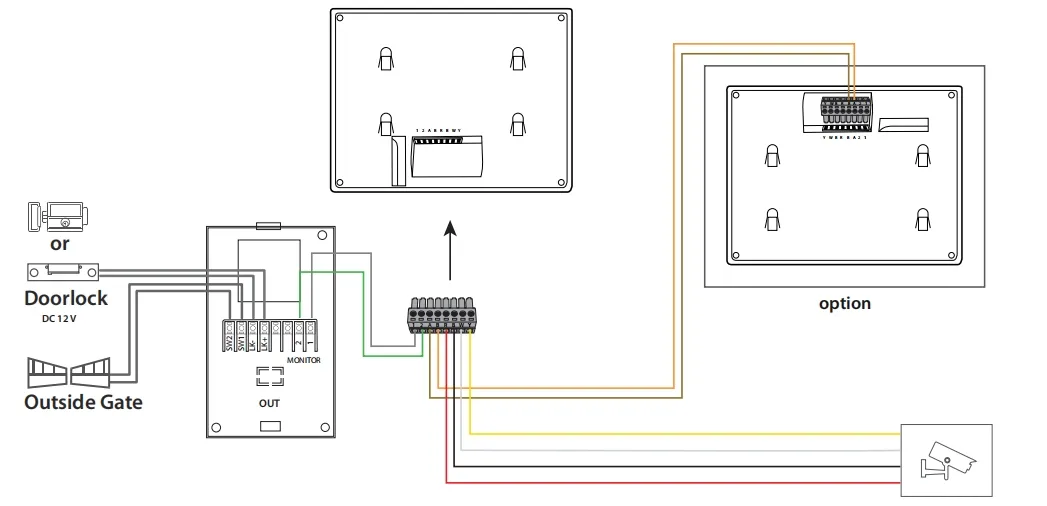
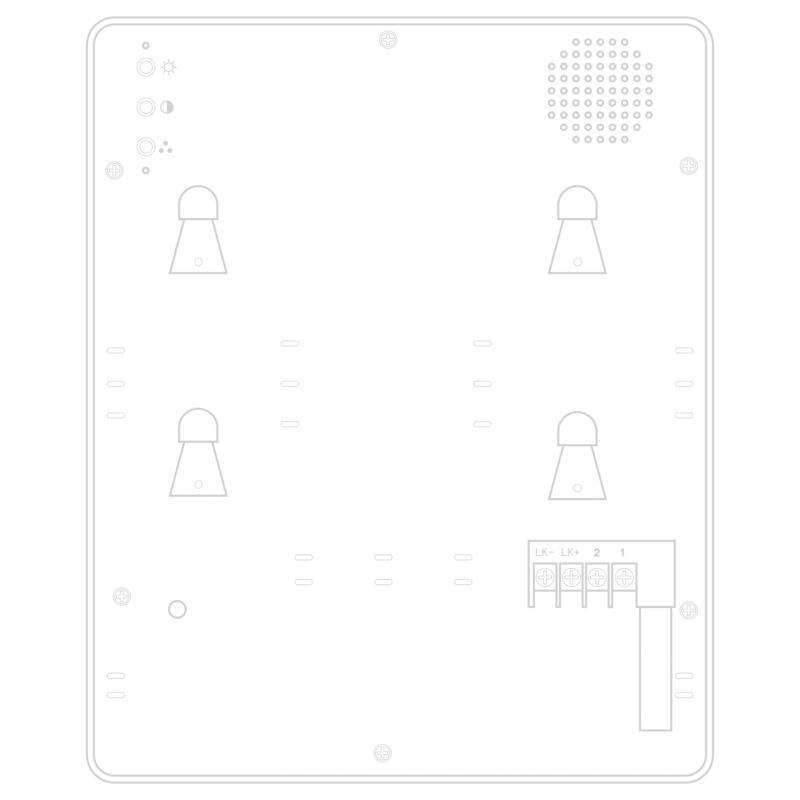
Interface Settings Controls Back Panel

Frequently Asked Questions

Q1: How is the video doorphone installed?
A: The unit is designed for wall-mounted installation and uses a simple 2-wire cabling system for connection.
Q2: What is the screen size and resolution?
A: It features a 7-inch mirror surface screen with a resolution of 800*480 pixels for clear image display.
Q3: Can I unlock different types of doors?
A: Yes, it supports both electric door locks (standard 1A) and gate unlocking functions with dedicated buttons.
Q4: Does the outdoor unit require a separate power supply?
A: No, the outdoor unit is powered directly through the indoor monitor.
Q5: How long does the visitor image stay on screen?
A: During a call, the screen rings for 12s and stays active for up to 60s if there is no answer.
Q6: Can I communicate between two indoor monitors?
A: Yes, if your system includes two indoor units, you can use the internal intercom function to call between rooms.

Related Products