SMTR SmartLiving
1 / 5
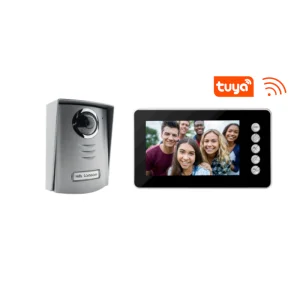
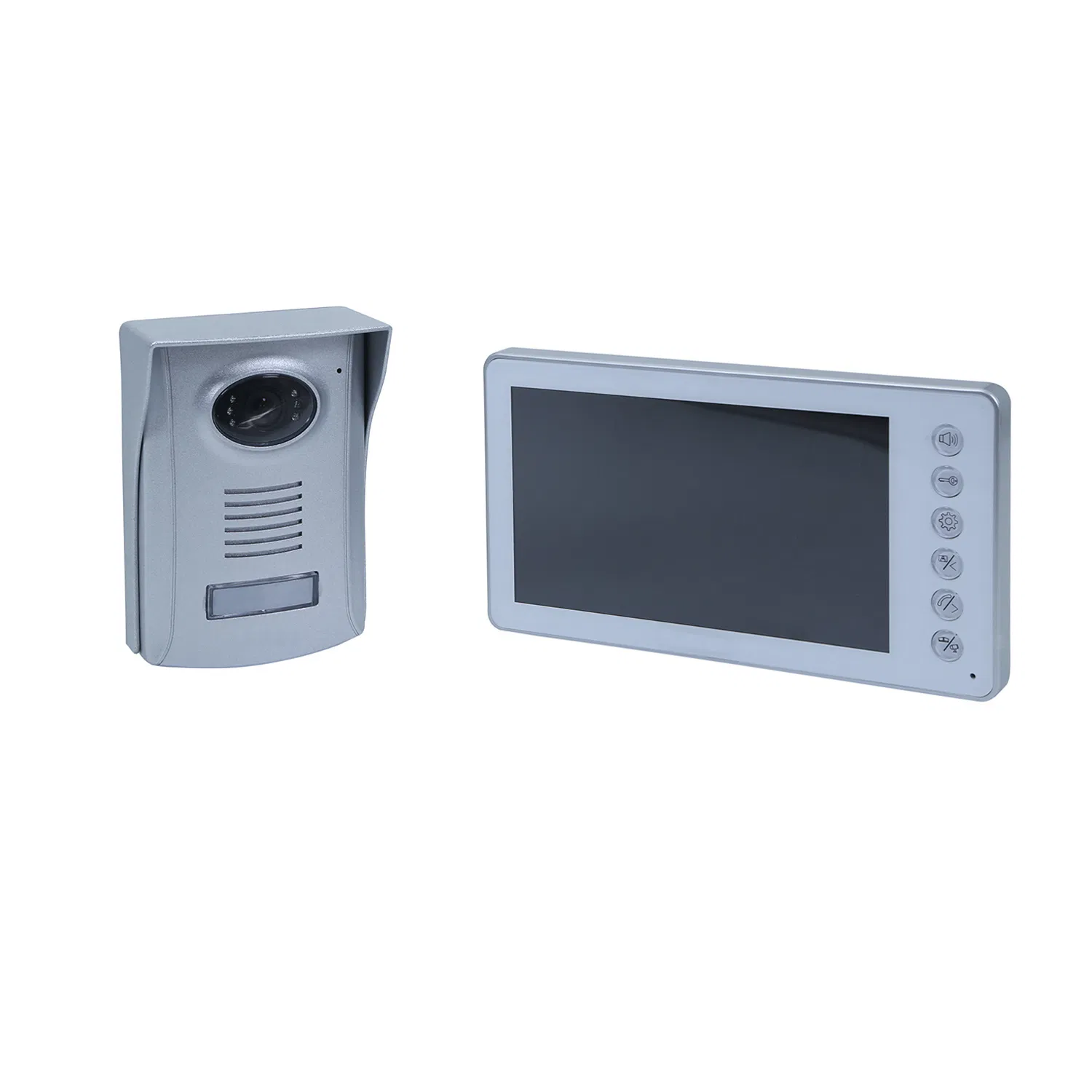
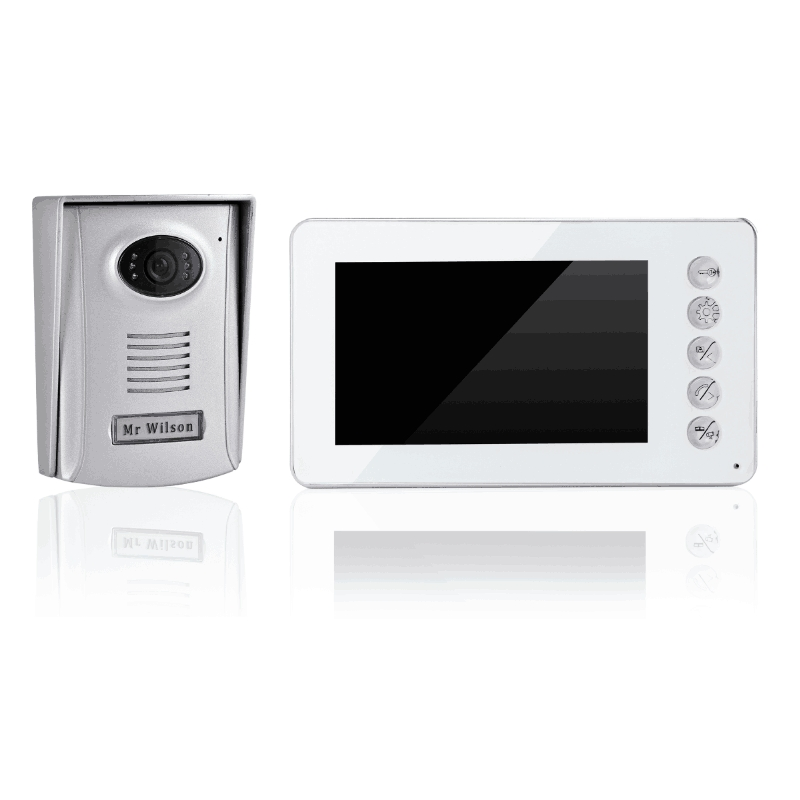
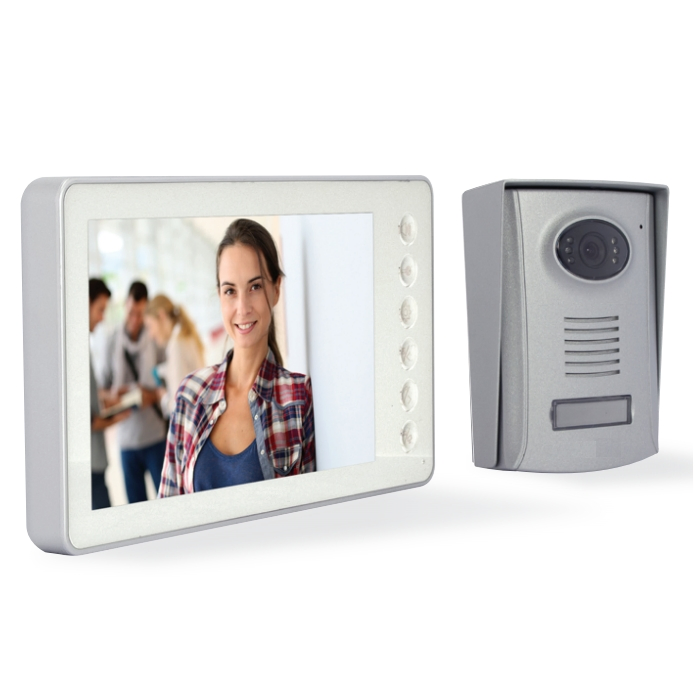
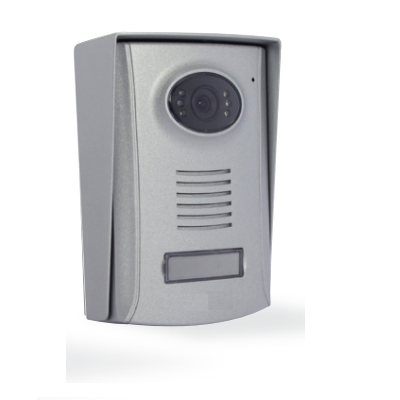
IP BOX WIFI BOX SUPPORT ALL TWO RANGE VDP WIFI VIDEO DOORPHONE.
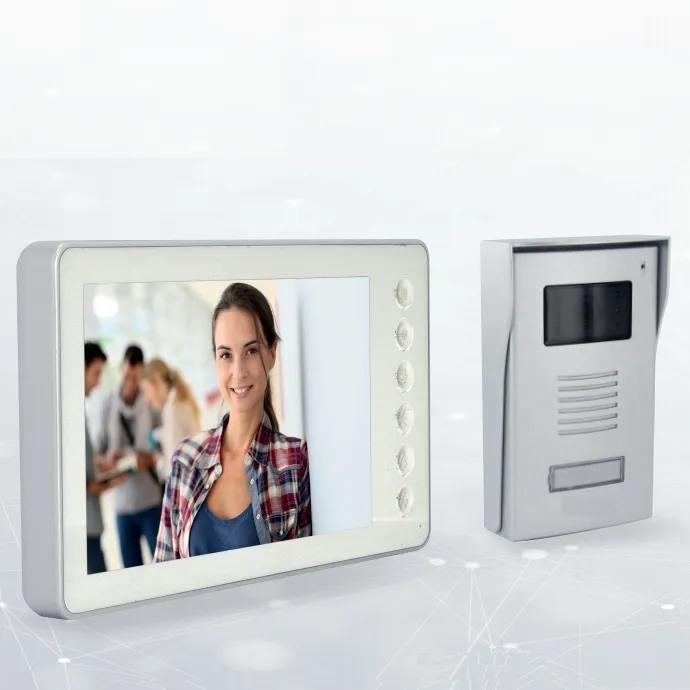
1.1 Under standby mode, tapping "Call" on the Outdoor Unit triggers all indoor units to ring continuously. Screens will light up, displaying the visitor's image instantly.
1.2 If there is no answer during calling mode, the call will automatically hang up after 60 seconds.
1.3 Tapping "Answer" on any indoor unit stops the ring and initiates a 120-second two-way intercom. To end early, simply tap "Home".
2.1 In standby, tap "Monitor" then "Answer" to start a two-way intercom between units.
2.2 Tapping "Monitor" alone allows you to see the outdoor image with one-way audio. Tap "Answer" to switch to two-way. Monitoring hangs up automatically after 90 seconds.
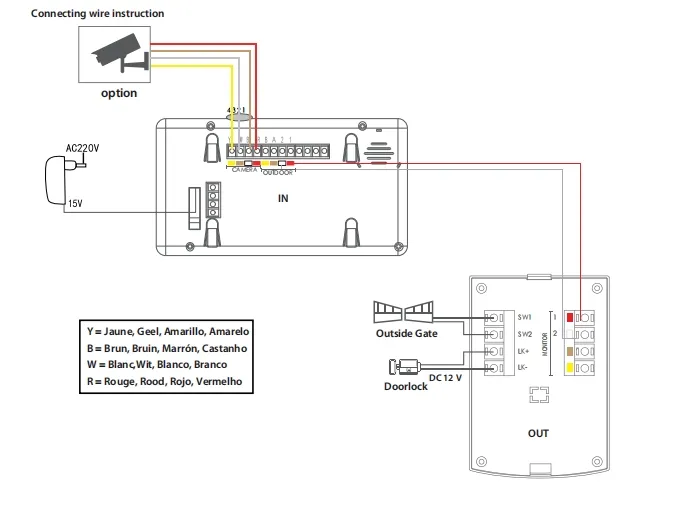
3.1 During intercom mode, tap "Unlock the Door" to release the lock (supports current up to 500mA). Unlocking time is customizable.
3.2 Tap "Unlock the Gate" to open secondary gates with adjustable duration.
3.3 Access can also be granted from standby mode by following the Monitor > Answer > Unlock sequence.
4.1 Tapping "Talk" on any indoor unit rings all other connected indoor units, allowing for internal household communication. Intercom stops automatically after 90 seconds.
5.1 Tapping the "Silent" icon turns it white, disabling the ringtone for outdoor triggers. Tap again (turning it blue) to resume normal operation.
6.1 Access the "Photos" menu from the Home Screen to view stored captures with precise timestamps.
6.2 Use "Page Up/Down" to navigate through your photo library and "Delete" to manage storage.